
How to advertise your products on WhatsApp (without annoying people)
A practical plan for Status, broadcast lists and groups: what to post, how often, and how to make ordering easy.
By UGCNaija Editorial Team · Published
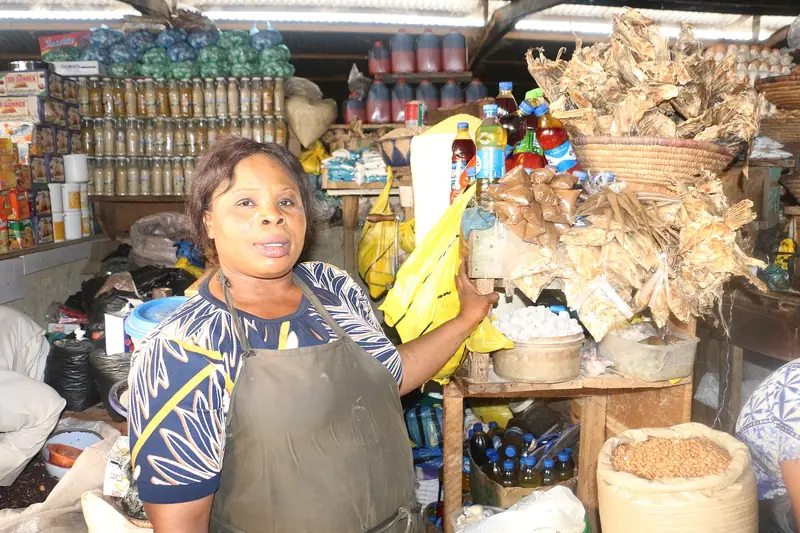
For many Nigerian small businesses, WhatsApp is the shop, the till and the advert. The sellers who do well on it are not the ones who post the most. They post useful, clear content and make it easy to order.
Know the three places you can advertise
WhatsApp gives you three ways to reach people: your Status (seen by contacts who saved your number), broadcast lists (messages sent individually to contacts who saved your number) and groups (where you share with members, if the group allows it).
- Status: daily visibility. Best for products, proof and offers.
- Broadcast lists: one-to-one messages. Best for new stock, reminders and offers to past buyers.
- Groups: reach beyond your contacts. Follow every group's rules.
Make every product post do four things
- Show the product clearly, in good light
- Say what the customer gains (the benefit)
- Show the price, or at least a starting price
- Say exactly how to order: a link, a word to reply, or a number
Mix your posts
If every post is "buy this", people stop looking. Rotate between product posts, proof (reviews you have permission to share, orders being packed), behind-the-scenes, and helpful tips about your product. A simple weekly plan keeps you consistent.
Make ordering one tap
A wa.me order link opens a chat with the order message already written. Put it in your Status, your profile and your captions. For packaging and shop fronts, a QR code does the same.
Get more people to save your number
Your Status only reaches people who saved your number. Ask every buyer to save it, print it on packaging, and offer something useful (like a weekly price list) in return.
Checklist
Keep reading
Related guides

How to create a WhatsApp product catalogue customers actually use
Set up the WhatsApp Business catalogue, write product descriptions and keep prices up to date.
Read the guideHow to turn customer enquiries into sales
Reply faster, answer the real question and make the next step obvious: a simple system for WhatsApp and DMs.
Read the guide